A growing library of focused apps, experiments, and workflow tools published by AI制作工房|AI RESONANCE OMNIA. Major case studies live in Work; this library is for practical, lightweight releases.
36 apps
EXPERIMENTAL
Fun / Creative
CloudGrabber
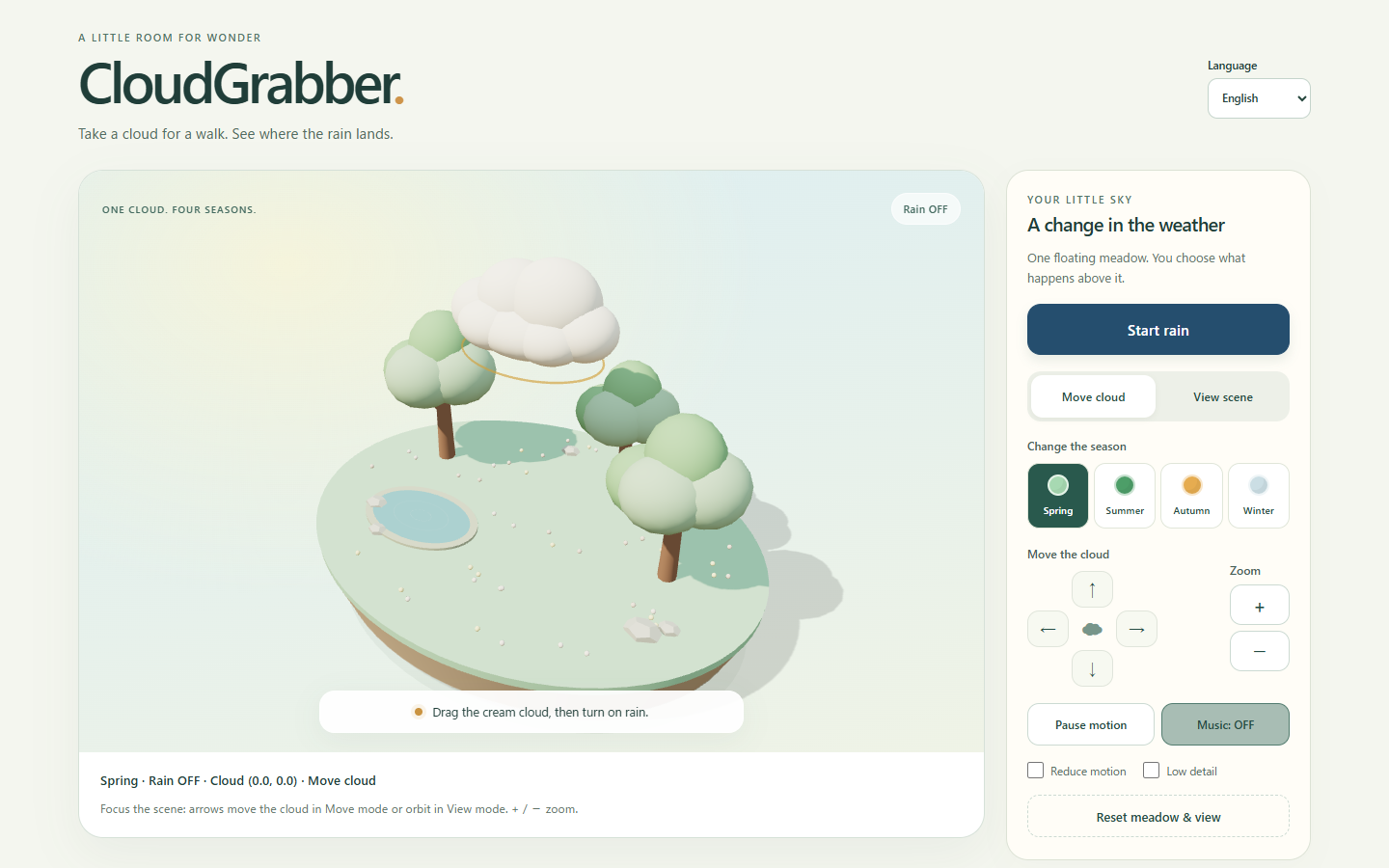
Move a cloud over a tiny 3D meadow, start or stop rain, and change the season. Switch between cloud and view controls; direction buttons and keyboard controls are also available. English, Traditional Chinese, Simplified Chinese and Japanese UI. A playful miniature rather than a weather forecast. No accounts or uploads; optional music starts only when you turn it on.
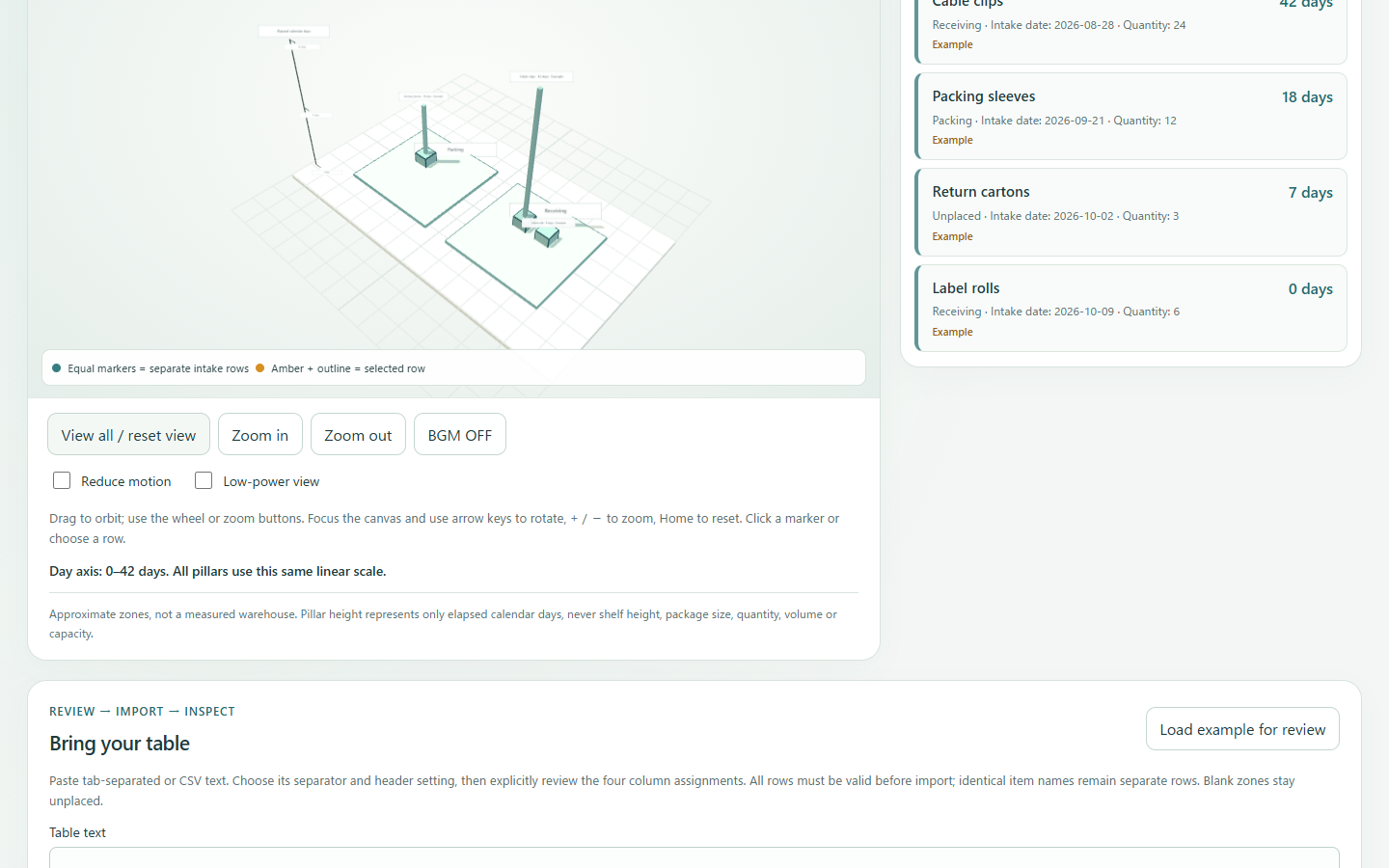
Manually count existing stock rows and compare the latest confirmed quantity with the previous count. Missing counts stay distinct from zero; identical names and separate lots keep their row IDs. Review corrections without losing original values, save explicitly in this browser, restore after reload, or export text. The existing intake-date list and schematic 3D placement map remain available. Pillar height means elapsed intake days, not stock quantity. English, Traditional Chinese, Simplified Chinese and Japanese UI; no AI recognition or external inventory sync.
Manual stock counts
Previous-count comparison
Local save / text export
Technology
HTML · CSS · JavaScript · Three.js · Cloudflare Pages
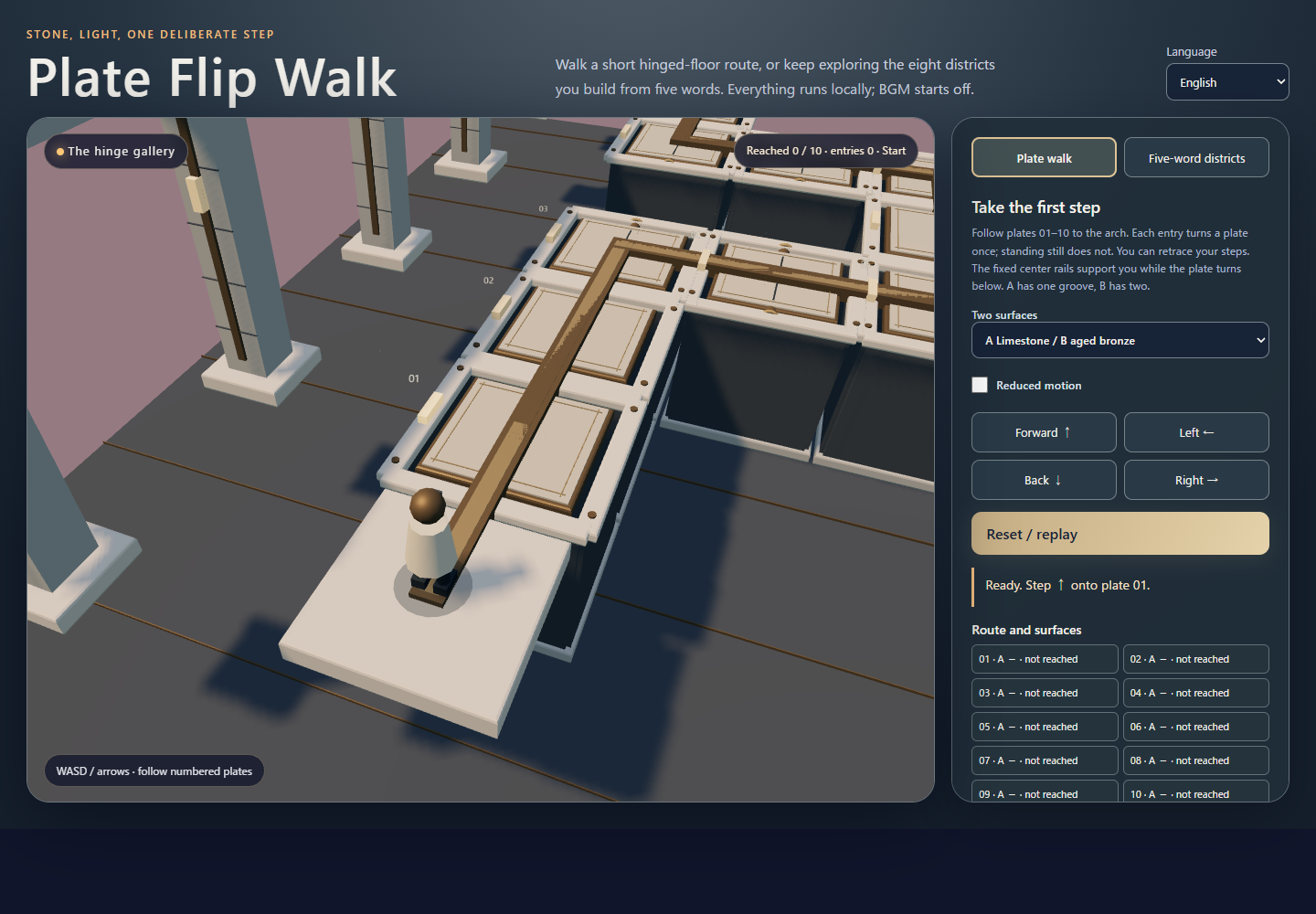
Walk across 10 hinged plates, turning each surface as you enter, and reach the opening arch. Choose one of three stone and metal surface pairs, retrace your steps, or Reset and replay. The original eight districts made from five words remain available. Keyboard and on-screen controls; reduced-motion option; background music starts off. Runs locally in your browser.
3D walk
Hinged plates
Stone and metal
Technology
HTML · CSS · JavaScript · Three.js · Cloudflare Pages
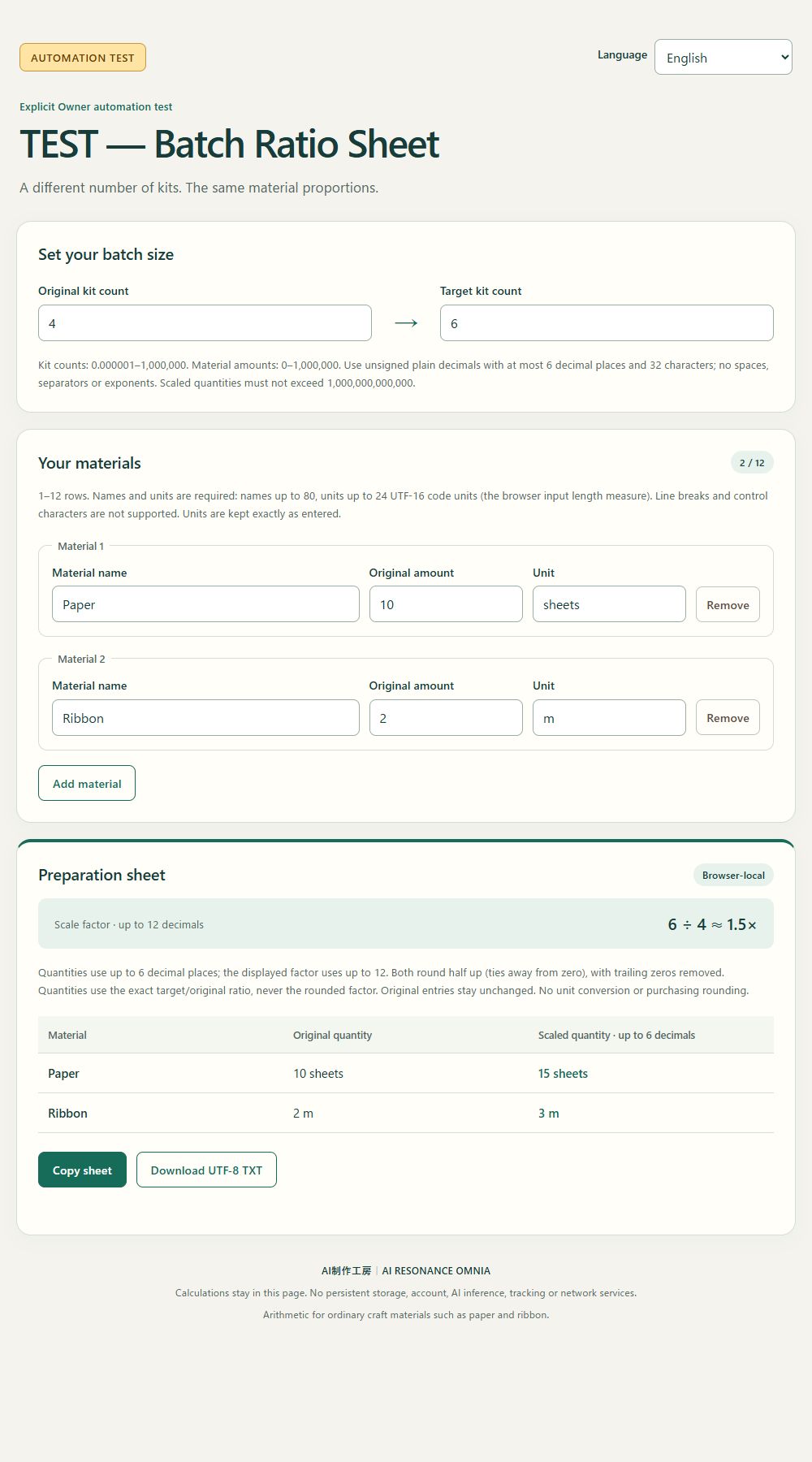
AUTOMATION TEST / 自動化測試. Scale named material quantities from an original batch count to a target batch count and compare the results beside your inputs. Copy the comparison or download it as TXT. Browser-side proportional arithmetic only: no API, unit conversion, supplier contact or automatic ordering. AI制作工房|AI RESONANCE OMNIA. Inputs up to 1,000,000; up to 12 material rows. English, Traditional Chinese, Simplified Chinese and Japanese UI.
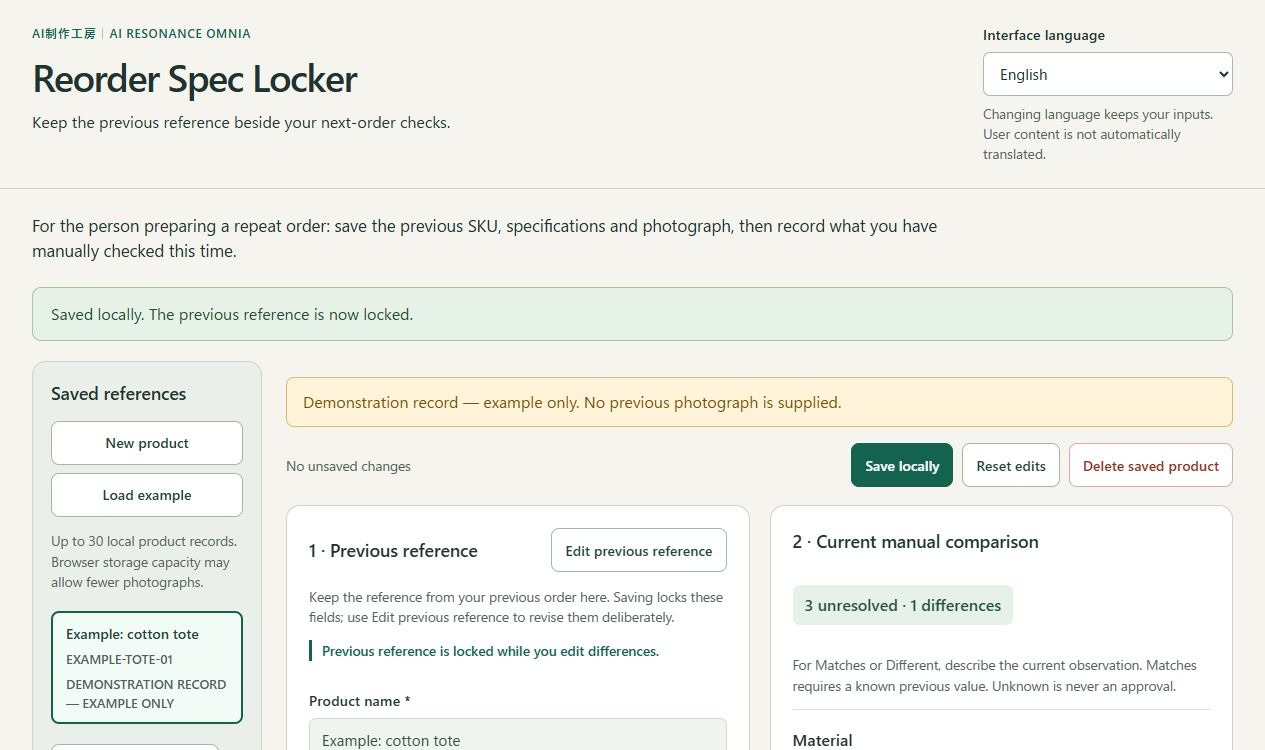
Keep the previous SKU, specifications, notes and optional photograph beside five manual repeat-order checks: material, color, size, packaging and supplier. Save up to 30 product references in this browser, then copy or download comparison text. English, Traditional Chinese, Simplified Chinese and Japanese interfaces. Human checks only: no photograph interpretation, supplier contact or ordering. Photos remain local and are excluded from text export.
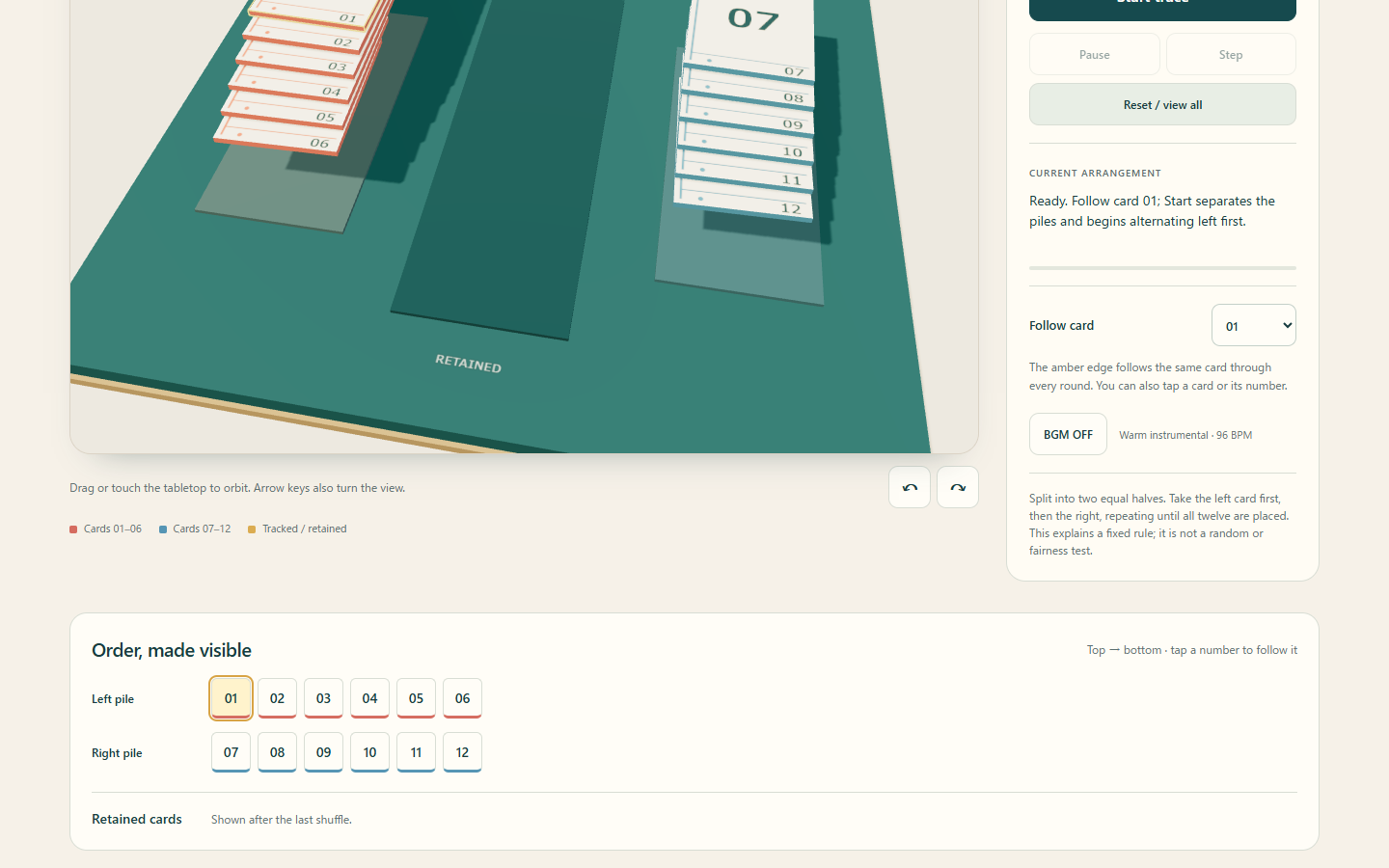
Follow twelve numbered cards as two piles interleave into one 3D stack. Set 1–6 shuffles and 1–12 retained cards, pause, step through individual insertions, turn the view, and copy or download the matching order note. Save a completed trace on this browser when storage is available. English, Traditional Chinese, Simplified Chinese and Japanese are selectable. This is a fixed left-first rule demonstration, not a random shuffle or fairness test. Inputs stay in the browser; BGM starts off.
3D card order
Pause and step
Local order note
Technology
HTML · CSS · JavaScript · Three.js · Cloudflare Pages
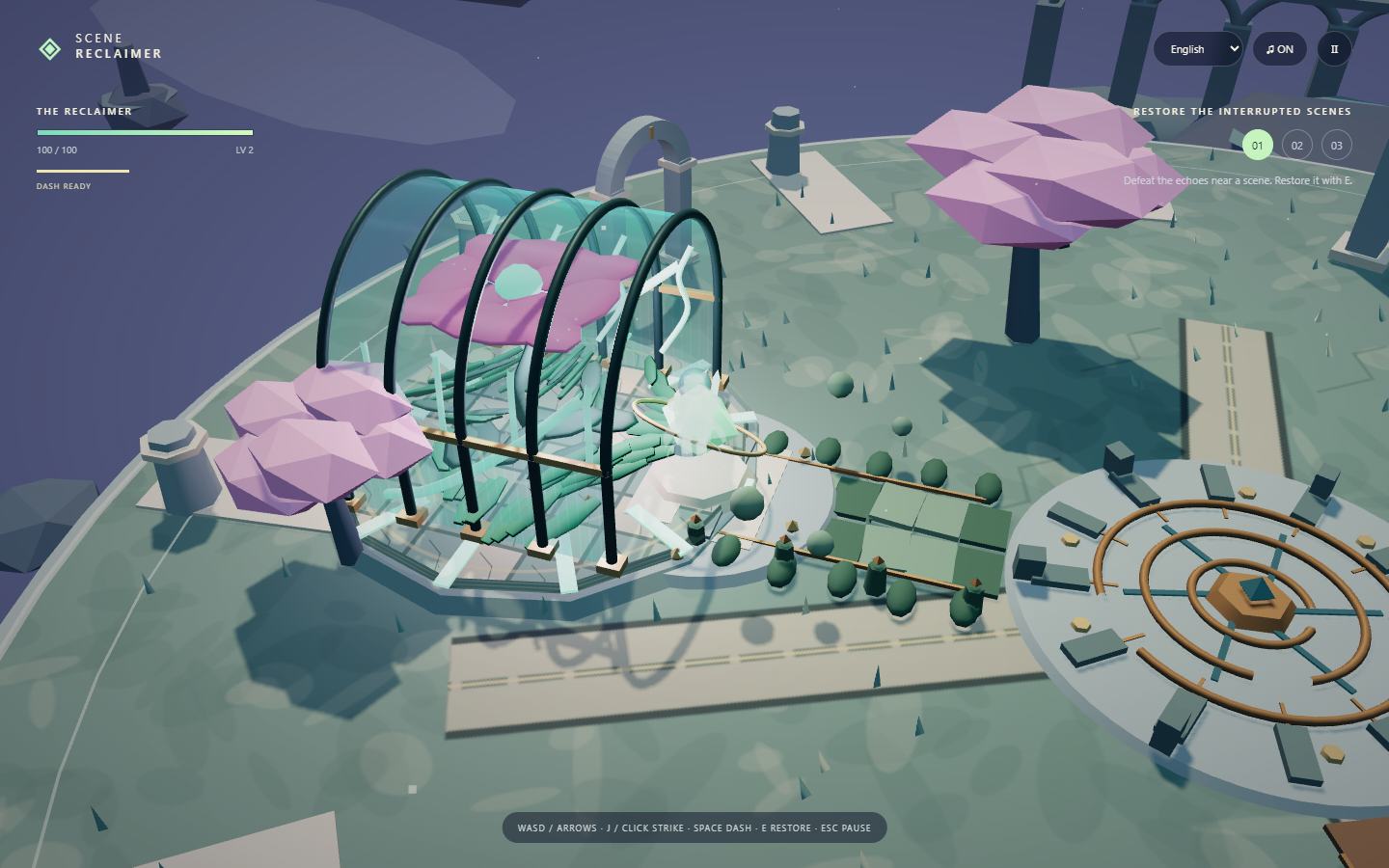
Explore one floating island in this 3D action RPG. Defeat ruin beasts, restore three lost scenes, choose upgrades, then dodge and counter the Stillness Warden. Play with keyboard or touch controls. English, Traditional Chinese, Simplified Chinese and Japanese are selectable in the game.
3D action RPG
One island
Three restorations
Technology
HTML · CSS · JavaScript · Three.js · Web Audio · Cloudflare Pages
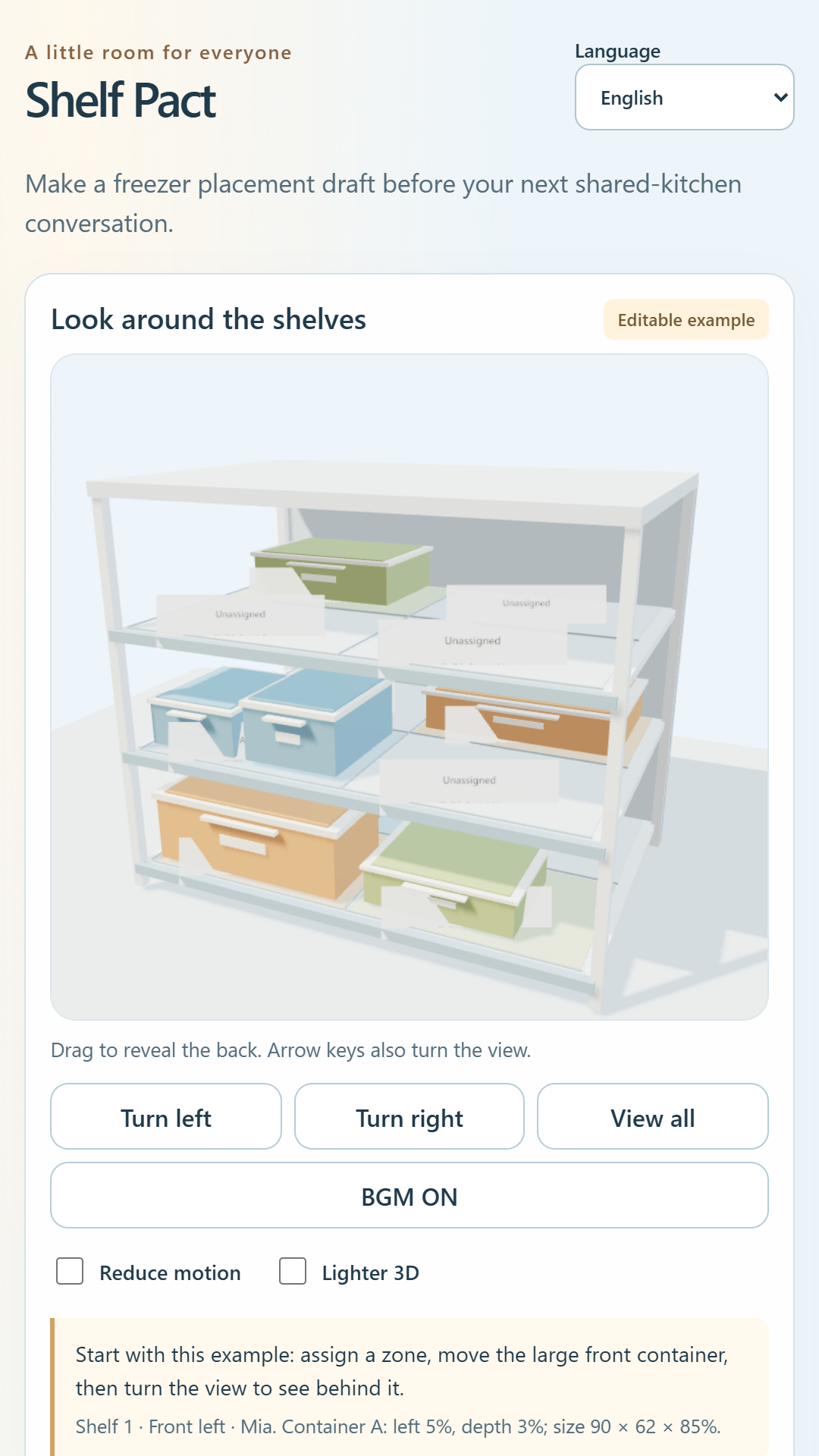
Sketch a shared freezer layout in 3D before your next kitchen conversation. Assign zones to roommates, move and resize approximate containers, turn the view, save the draft on your device, and copy a label note. English, Traditional Chinese, Simplified Chinese and Japanese are available. The draft does not measure real capacity or synchronize with roommates.
Shared freezer
3D placement
Local draft
Technology
HTML · CSS · JavaScript · Three.js · Cloudflare Pages
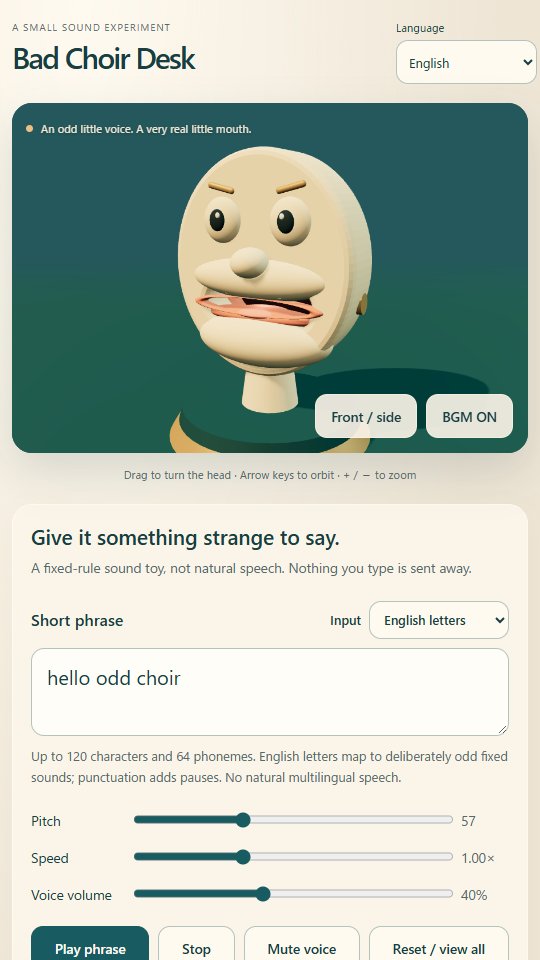
Type a short English-letter phrase or supported phoneme tokens to make a 3D desk puppet produce quirky, locally synthesized sounds. Its jaw, lips and tongue follow the sound; turn the head, adjust pitch and speed, or copy a restore code. This is a fixed-rule sound toy rather than natural speech. Inputs stay in your browser and BGM starts off.
3D puppet
Local sound
Sound experiment
Technology
HTML · CSS · JavaScript · WebGL · Web Audio · Cloudflare Pages
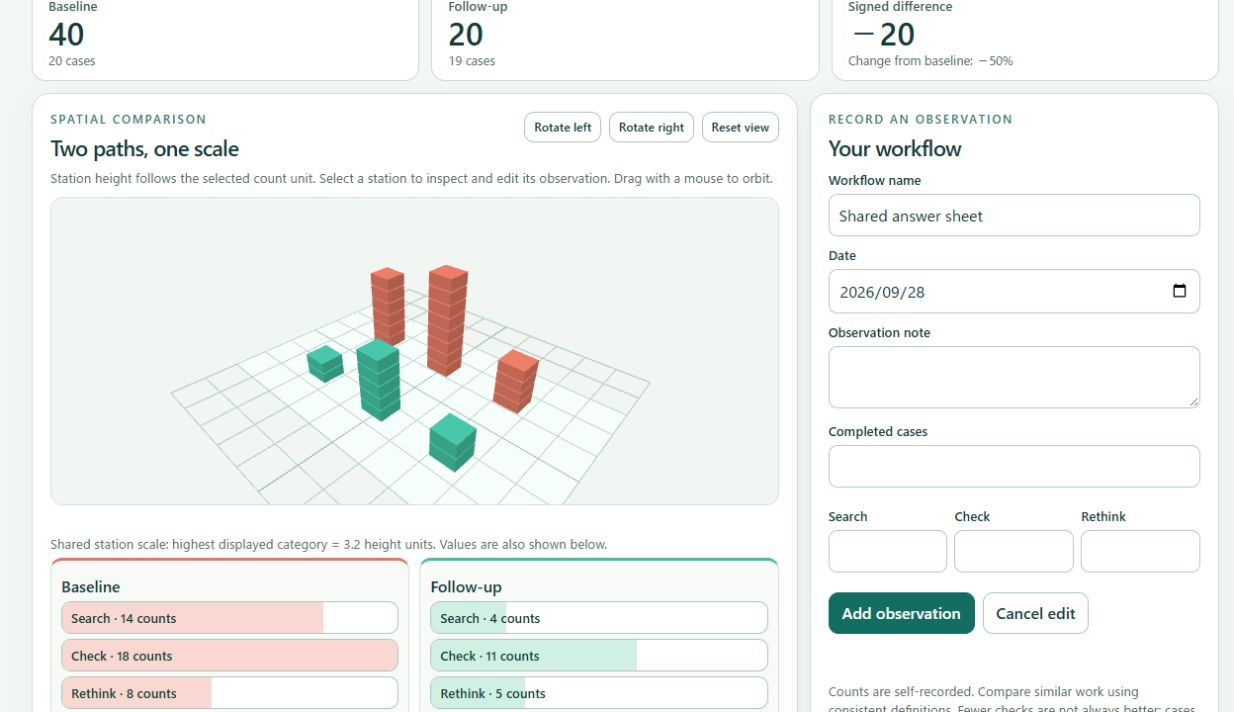
Record searches, checks, and reconsiderations in a workflow before and after a change. Compare totals and counts per completed case in a 3D view and charts, review dated history, and export CSV, text, or JSON. Data stays in your browser. The comparison describes your observations; it does not prove the change caused a difference.
Workflow observations
Before / after
3D comparison
Technology
HTML · CSS · JavaScript · Three.js · Cloudflare Pages
Compare the original request with an agent's change explanation or diff. Select change excerpts yourself, sort them into requested, unrequested or pending, and copy each list. The app does not analyze code, run code, merge changes or separate patches. Inputs stay in the browser and are not saved or sent externally.
Enter dimensions, quantity and usage conditions. Check missing information and copy a quote request from the details entered. Inputs stay in the browser, with no transmission, AI calls or input storage.
Add items such as detergent or milk using the form above. Only items checked as things to buy are collected into the list. Remaining-stock estimates alone do not add items automatically. The list is saved in this page’s storage in the same device and browser. Synchronization with other devices and collaborative editing are unavailable. Clearing browser data or similar actions may erase it, so copy and keep any content you need.
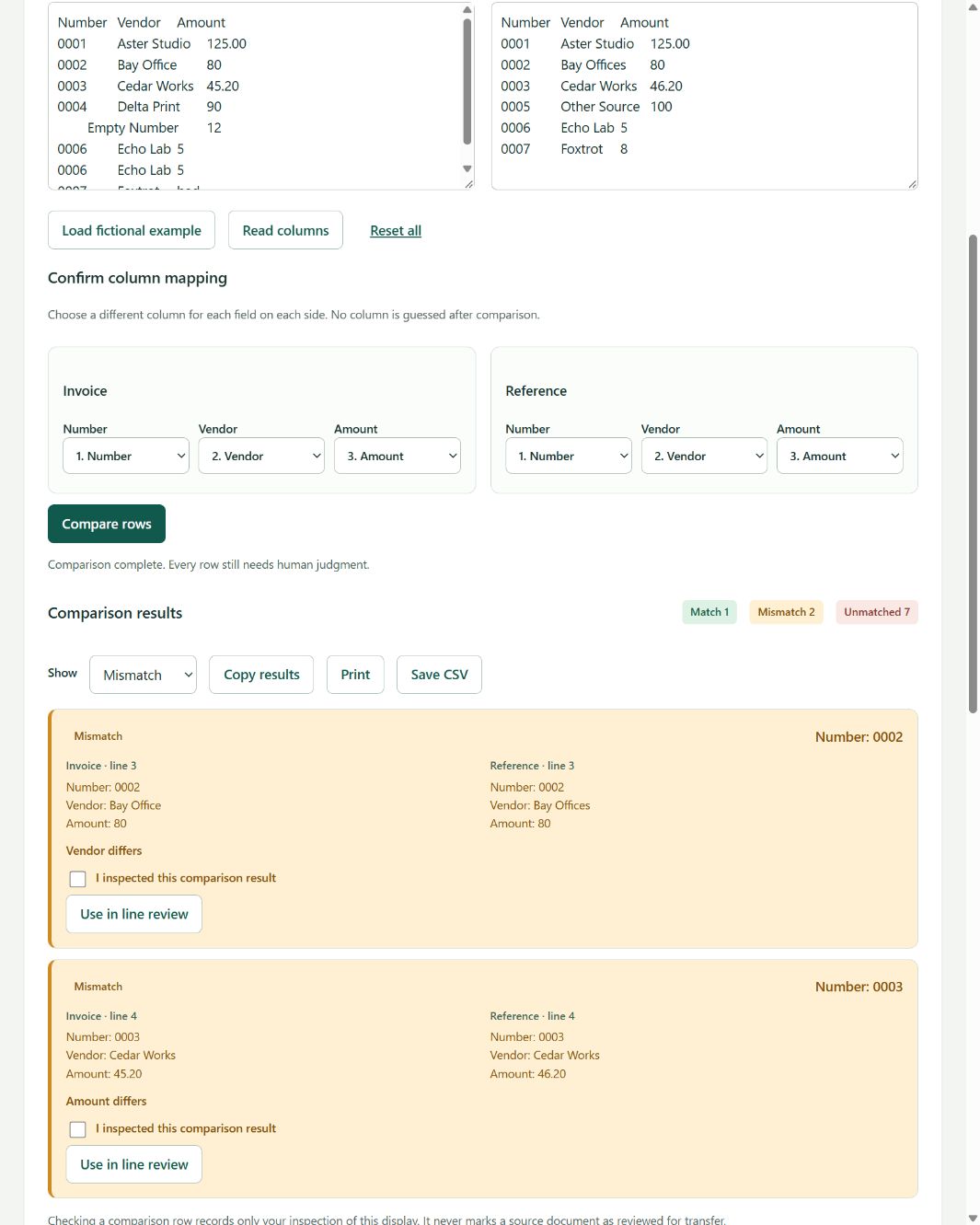
Compare two pasted lists by a selected key column. Check matching, one-sided and changed rows without merging ambiguous entries. Runs in your browser with optional local saving.
Paste a rough work memo to sort lines into daily, weekly, monthly, incident and unclassified groups. It highlights missing cues for document locations, decision makers, emergency contacts and deadlines without inventing information. Add manual checks, copy the result, and optionally save it in this browser.
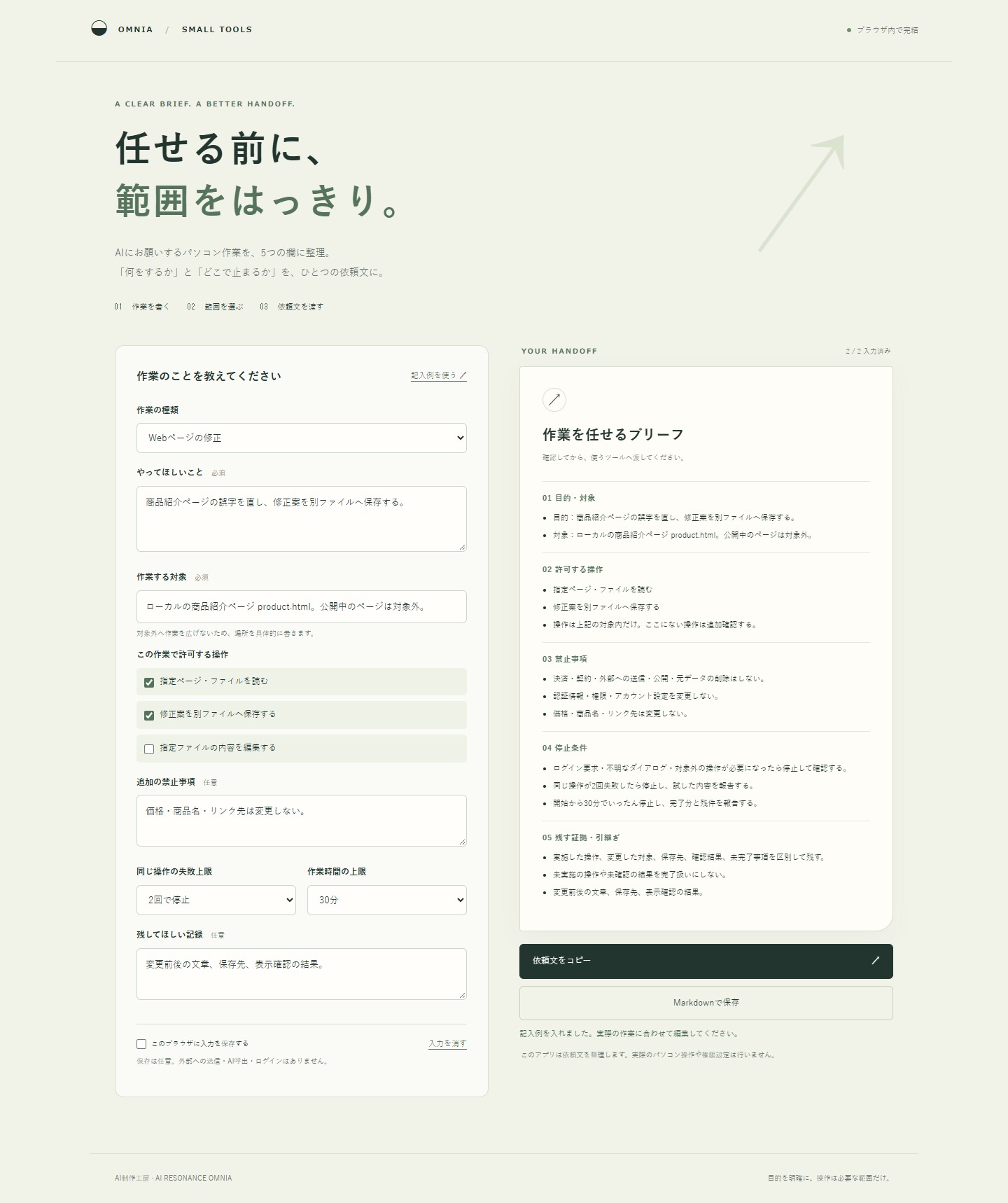
Enter the goal, target and permitted operations. Copy a brief with restrictions, stop conditions and evidence requirements, or save it as Markdown. Runs in your browser; local input storage is optional. No data transmission, AI calls or automated computer operation.
Track a completed job through CRM completion recorded, cost-sheet update, numbers ready, owner review and exception resolution. Record missing-number labels and the next responsible person, save closed jobs on this browser when storage is available, and copy a summary of saved jobs in the current stage filter. These are manual records, with no CRM connection, cost extraction or accounting calculation. Existing two-table comparison, unit-price checks and human source review before transfer CSV remain available. English, Traditional Chinese, Simplified Chinese and Japanese are selectable. Browser-only processing; no upload, external AI or automatic approval.
Enter your available hours and appointment start/end times, then choose one 5, 15, 30 or 60 minute break from the gaps. Includes a countdown that starts when you press the button. Japanese interface, browser-side calculations, no login, input transmission, storage or external AI API. Overnight schedules are not supported.
Choose a household finishing task and answer three questions to consider what to keep and what to simplify. Enter your own time estimates and frequency to calculate potential weekly time savings and copy a one-week experiment note. Japanese interface, fixed rules, no automated safety assessment or guaranteed savings. Inputs are not transmitted or stored; no external AI API.
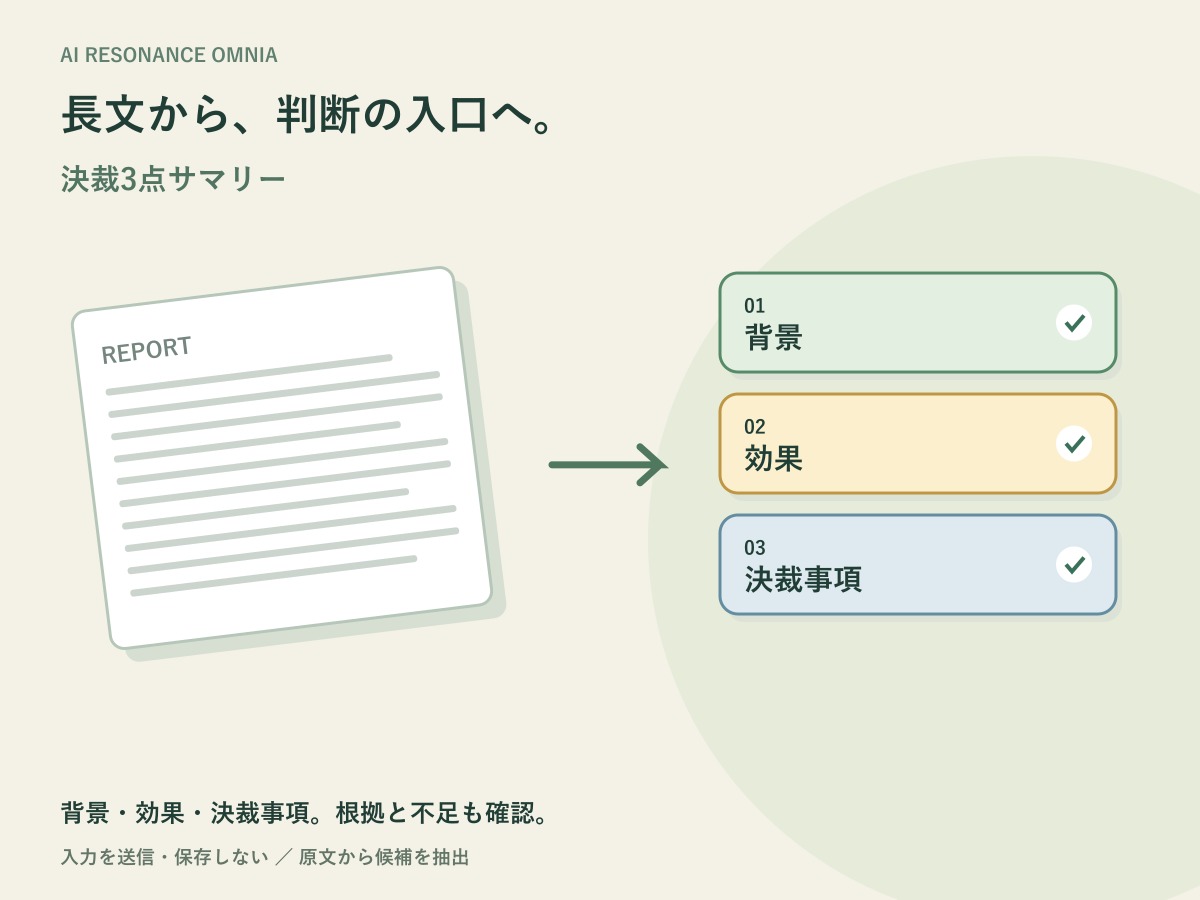
Paste a report or proposal to extract up to two source sentences for background, expected impact and approval requested. Check source evidence and possible information gaps, then copy the result. Rule-based and browser-local, with no input transmission, storage or external AI API.
Choose three colors with the color pickers or six-digit HEX inputs. Lock colors you want to keep, then generate a new palette to update only unlocked colors. Preview your three-color combination immediately and copy its HEX list or CSS custom properties. Color processing happens only in your browser. There is no login, AI processing, analytics, or external API. Entered colors are neither sent to a server nor saved. Clipboard writes are attempted only when you choose to copy. Reloading resets the colors and display language.
Change each color using its color picker or a six-digit HEX input.
The leading # in HEX is optional; letter case and surrounding whitespace are normalized.
Invalid input displays an error. The entered text is retained, while the palette and copying use the last valid color. Valid input is reflected immediately, and its notation is normalized on Enter or when the input is committed.
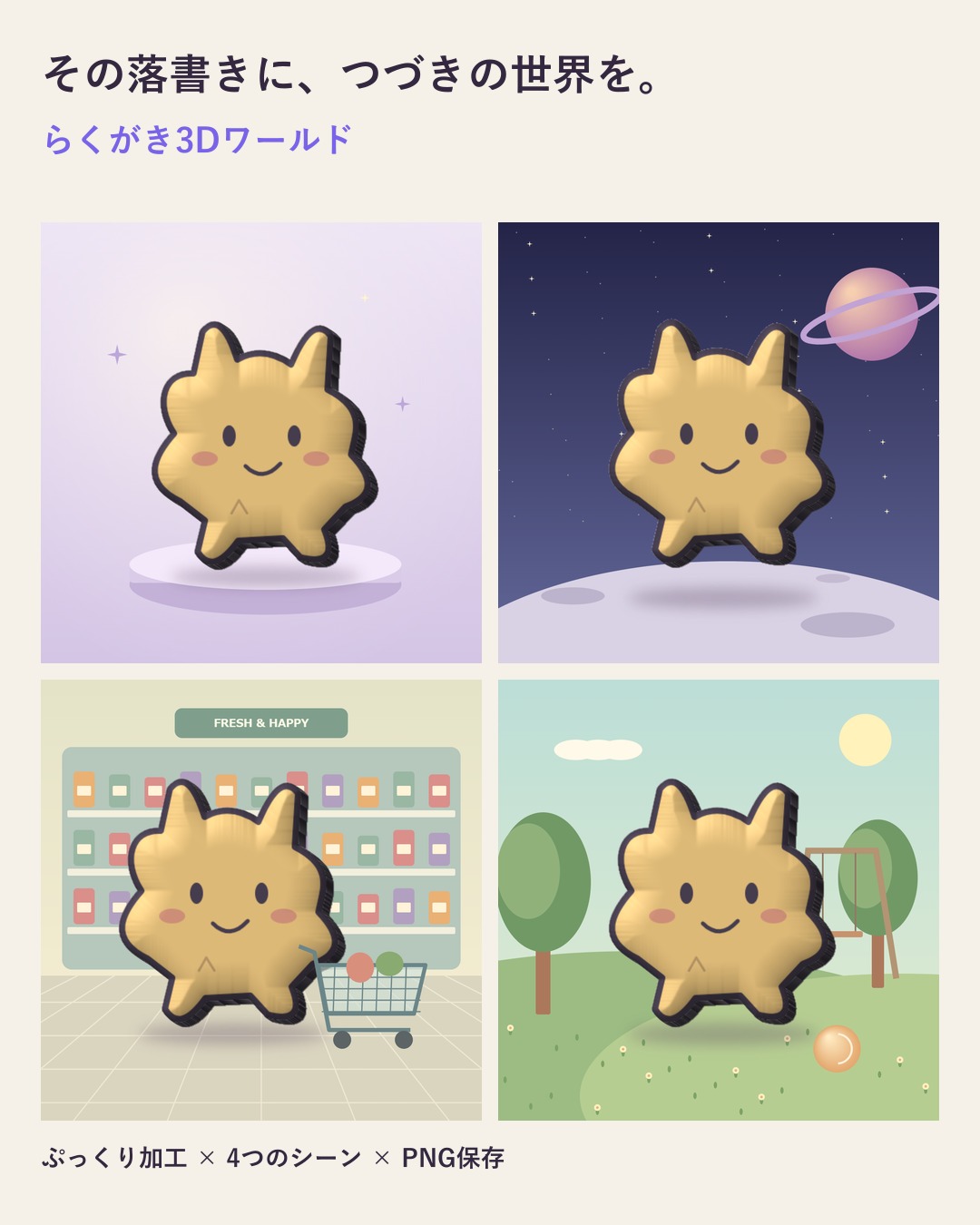
Choose a doodle image, depth and scene. Keep the original lines, colours and outline in a 3D-style image across studio, space, supermarket and park scenes, then save a PNG. Images are processed only in your browser, without upload or storage. No external AI API is used.
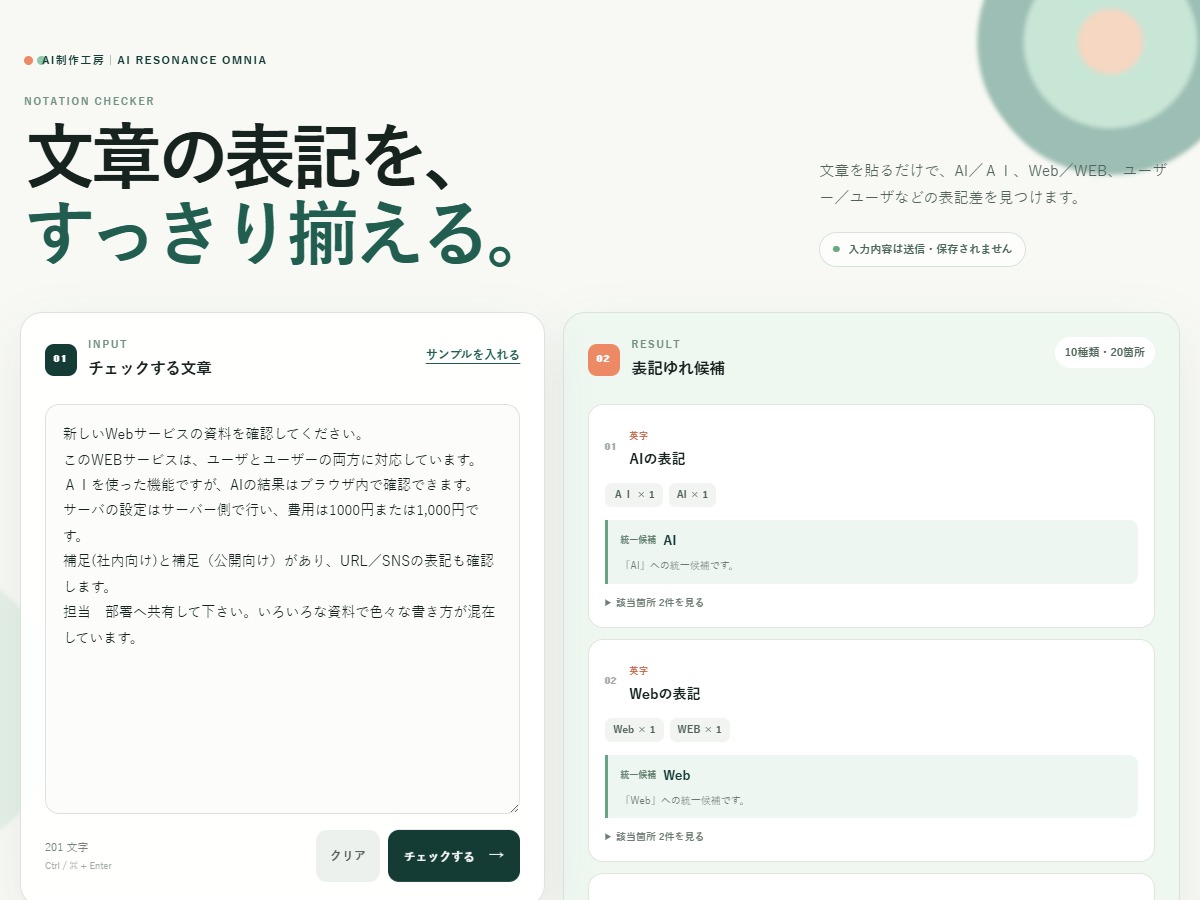
Paste text to find representative notation inconsistencies in AI, Web, prolonged-sound marks, full- and half-width alphanumerics, number separators, brackets, slashes, and spaces. It shows locations, preferred forms, and unified text entirely in the browser without transmitting or storing input.
Press ‘Start conversation’ with the prefilled settings to display the first message immediately, then advance approximately every 1.5 seconds. A Japanese-language, rule-based conversation simulator in which two or three characters with configured names and personalities discuss a topic over eight turns. It runs in the browser without external AI APIs, login, payments, telemetry, or external transmission of input content.
Edit names, personalities and stances, the topic, and the participant count. Choose from four personalities: optimistic, cautious, mediator, and playful.
Presets are available for topics and personality combinations.
Press ‘Start conversation’ with the prefilled settings to display the first message immediately, then advance approximately every 1.5 seconds.
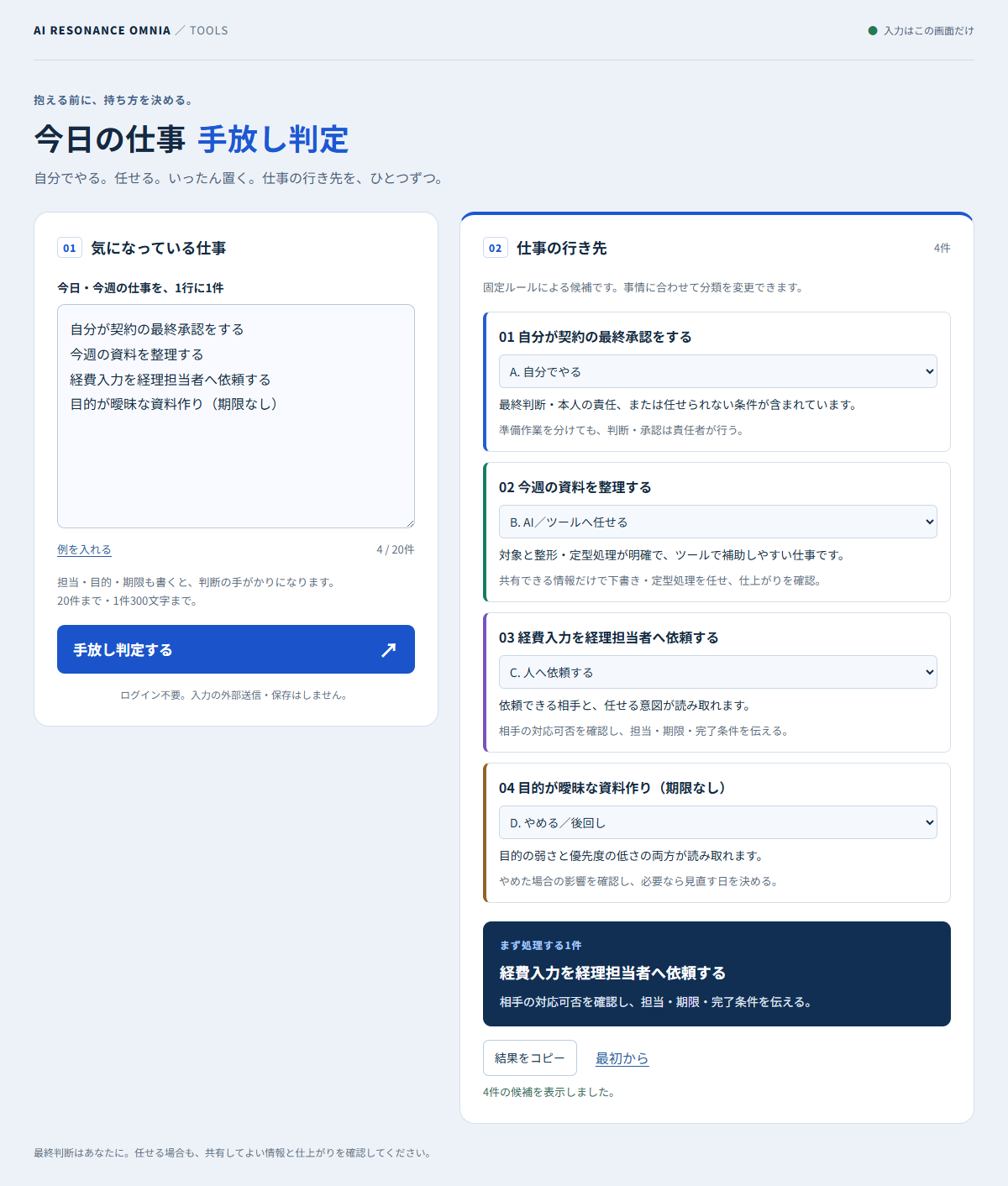
List your tasks before starting and consider what to do yourself, delegate to AI or tools, ask someone to do, or defer. Editable suggestions from browser-side rules, plus one first step. Japanese interface; no login or saved input.
Task ownership
Delegation
Browser-side
Technology
HTML · CSS · JavaScript · Cloudflare Workers Static Assets
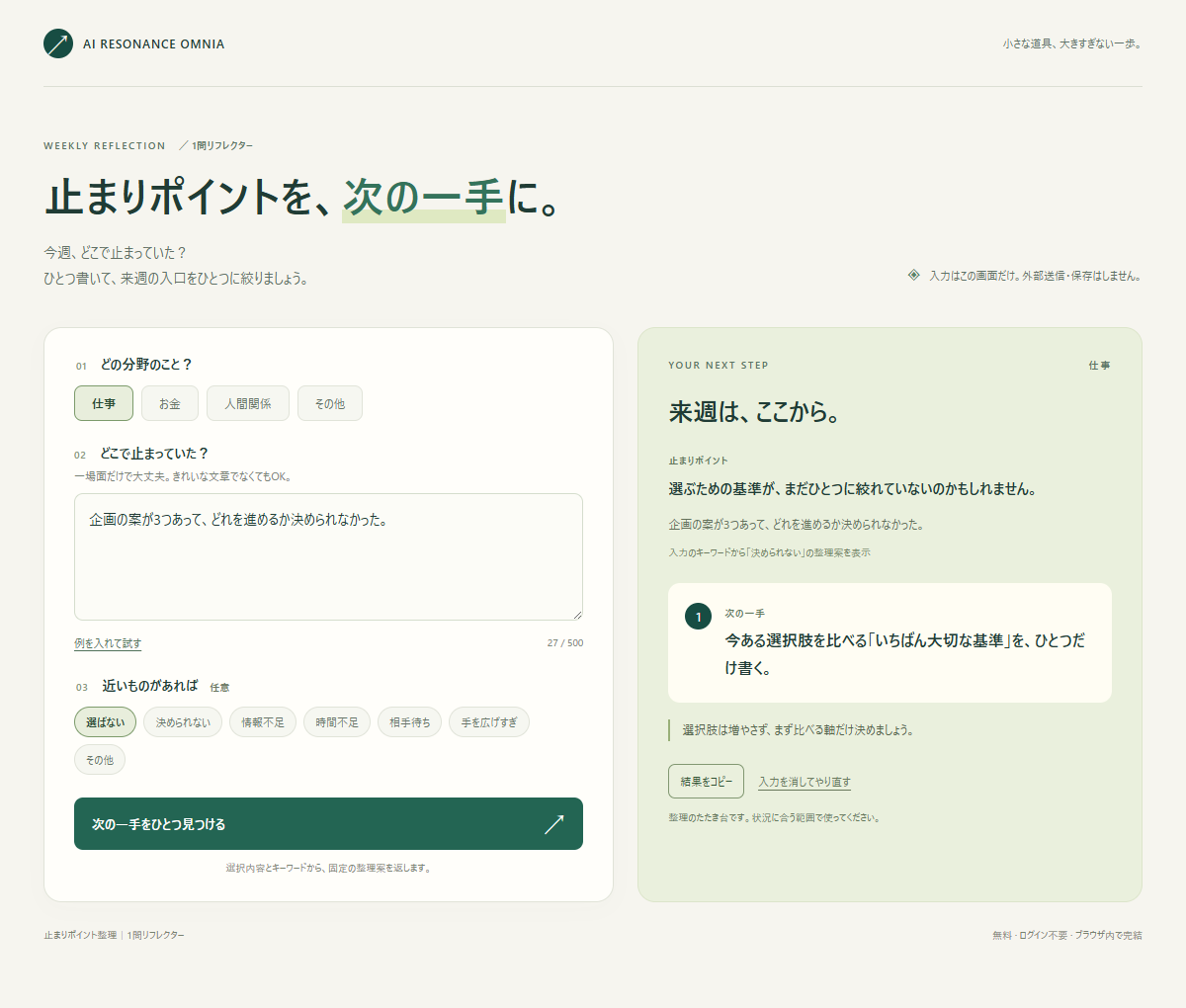
Write where you got stuck this week, choose an optional blocker type, and get a brief reflection with one next step. A Japanese-language, rule-based tool with no login, input transmission, or saved history.
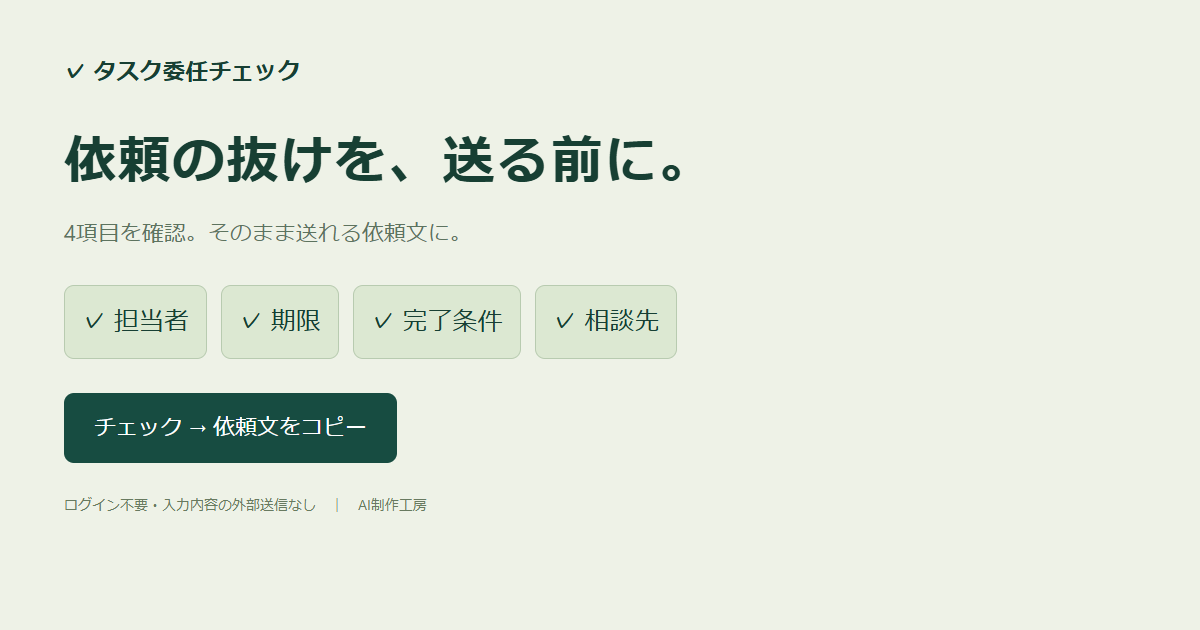
Enter an owner, deadline, completion criteria, and support contact to check for missing details and generate a ready-to-send delegation message. No login required. Inputs are neither transmitted nor stored.
Paste a goal, draft, or profile and pick mild, normal, or harsh feedback. The browser quotes your own sentences and points out the missing deadline, number, and owner, then suggests one concrete next step. Rule-based, with no external AI API.
Self-review
Writing
Goal setting
Rule-based
Technology
TypeScript · Vite · Rule-based analysis · Cloudflare Workers
Enter a goal to split work into three or four AI agent roles, with actions, outputs, and human checkpoints. Rule-based and runs without external AI APIs.
Enter unfinished tasks, today's available time, and current energy to generate and copy a browser-built prompt for your own ChatGPT, Claude, Gemini, or similar service. Processing stays in the browser; input is not uploaded, stored, or analyzed by AI.
Planning
Prompt generation
Prompt handoff
Browser-side
Technology
HTML · CSS · Vanilla JavaScript · Cloudflare Pages
Enter available ingredients, servings, time, ease, and budget preferences to generate and copy a browser-built prompt for requesting three menu ideas from your own ChatGPT, Claude, or similar service. The app does not run AI, and photos are not uploaded, stored, or analyzed by AI.
The brief does not need to be finished. Start with what feels slow, unclear, repetitive, or difficult to communicate. Remote and asynchronous collaboration is welcome.
Replies are sent by email. If timing matters, please include your deadline. Japanese and English are supported directly; Simplified Chinese communication is prepared with AI-assisted drafting and careful review.